

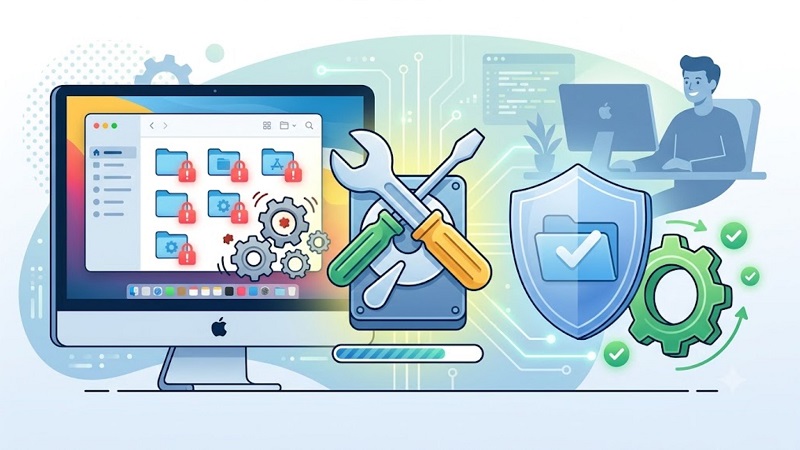
Repairing permissions on a Mac is a good idea because sometimes installers, updates or even apps might leave system permissions in a messy stage. And if the permissions are not ok, you can end up with some weird problems that you face. Addressing those problems is never an easy thing, but knowing how to manage those and how to implement them is always going to be a thing that you need to keep in mind.
Why did Apple remove permission repair?
You would normally opt for the repair permissions Mac feature when there are some permission problems. But Apple decided to remove the feature, and instead they made the System Integrity Protection system. What this does is it protects critical parts of Mac OS by restricting the root account from modifying any of the protected system files. A manual permission cleanup would become unnecessary right now, since the system file permissions are now managed and also protected by the operating system on its own. It’s a nifty and also troublesome change for some people who are more focused on getting manual control over things.
What can you do in a modern Mac OS?
The thing you need to do here is to open the Disk Utility and in there you want to enter the First Aid feature. You will need to run it and then run it again every week, just to be on the safe side. If there are any issues, it should be able to solve any of the problems that you encounter. And it works quite nicely, mainly because it gives you the means to solve disk issues before they become more problematic.
However, you can also use the Mac cleanup tools available out there. Those tools are great because they are offering consistency, great value and ease of use, along with a detailed focus on quality. You can solve many performance issues and those will end up being very good. It works extremely well, and it can give you the much-needed assistance and support that you are looking for.
Resetting permissions on the Home folder
Find the affected folder in your Finder and press Get Info in the File menu. Go to Sharing and Permissions, unlock the pane, and then correct the access level or the owner. And if the issue is affecting the entire folder tree, then you just use apply to enclosed items from your More menu.
Sometimes, permission issues might cause something else entirely. The truth is that people will have issues with a variety of things, and addressing those might be a lot harder than you realize, especially in the beginning, what you need to do is to check the permissions and privacy settings first, just to be on the safe side.
First Aid is usually the best solution because it works great and it will automatically try to find solutions on its own. It works great and the best part is that you can adapt it to your specific needs. Some people think that reinstalling Mac OS might be the better option, but that’s not always the case. First Aid is normally the best thing you can do, and a complete reinstall is only necessary in cases when things are severely getting out of hand.
Does Mac OS repair permissions automatically?
While that was not the case years ago, these days Mac OS is repairing the permissions on its own, and that is a very cool feature for you to have. It’s nifty and rewarding, and it will certainly make the process much better than you might expect. Just make sure that you are checking it out for yourself, and you will find the outcome to be a whole lot better.
Additionally, fixing permissions is not something that you want to attempt manually as a beginner. You are much better off to use to First Aid tool, just because it’s meant to provide this type of solution. And it’s certainly one that will make things a whole lot better in the end. With that being said, you will appreciate that it’s adaptable to your needs, and that it works seamlessly, exactly the way you want. Once you start using this tool, use it often and you can see improvements in performance.
Conclusion
There’s no denying that a lot of the time, permissions will only make the process better and easier than you might expect. With that being said, these days modern Mac OS is not requiring you to handle permissions anymore. It does that on its own, which can be very useful, and it alleviates a lot of stress from the user. Which is great, as you can focus on other things, while knowing that your Mac OS will tackle any possible issues in the backend.